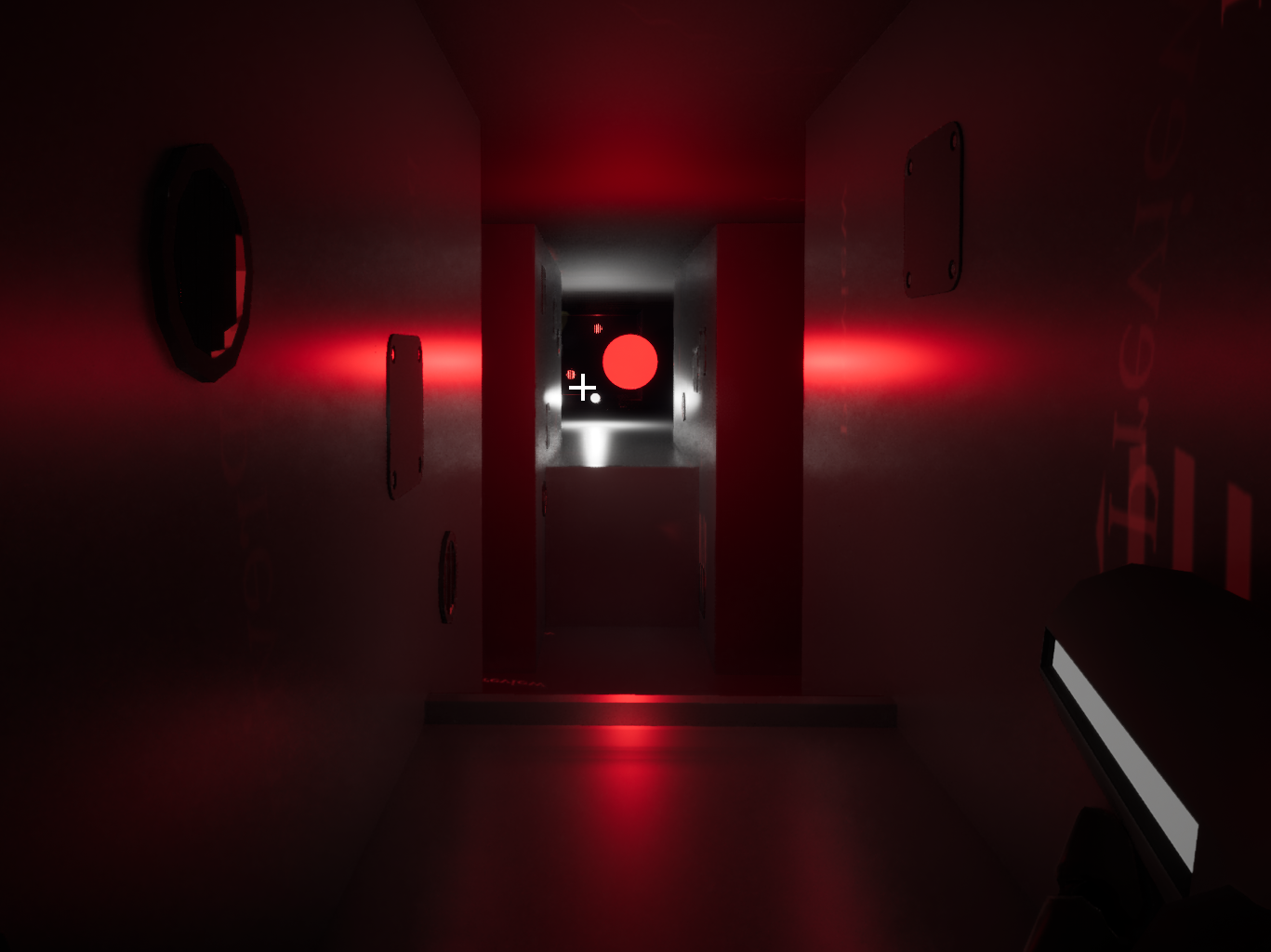
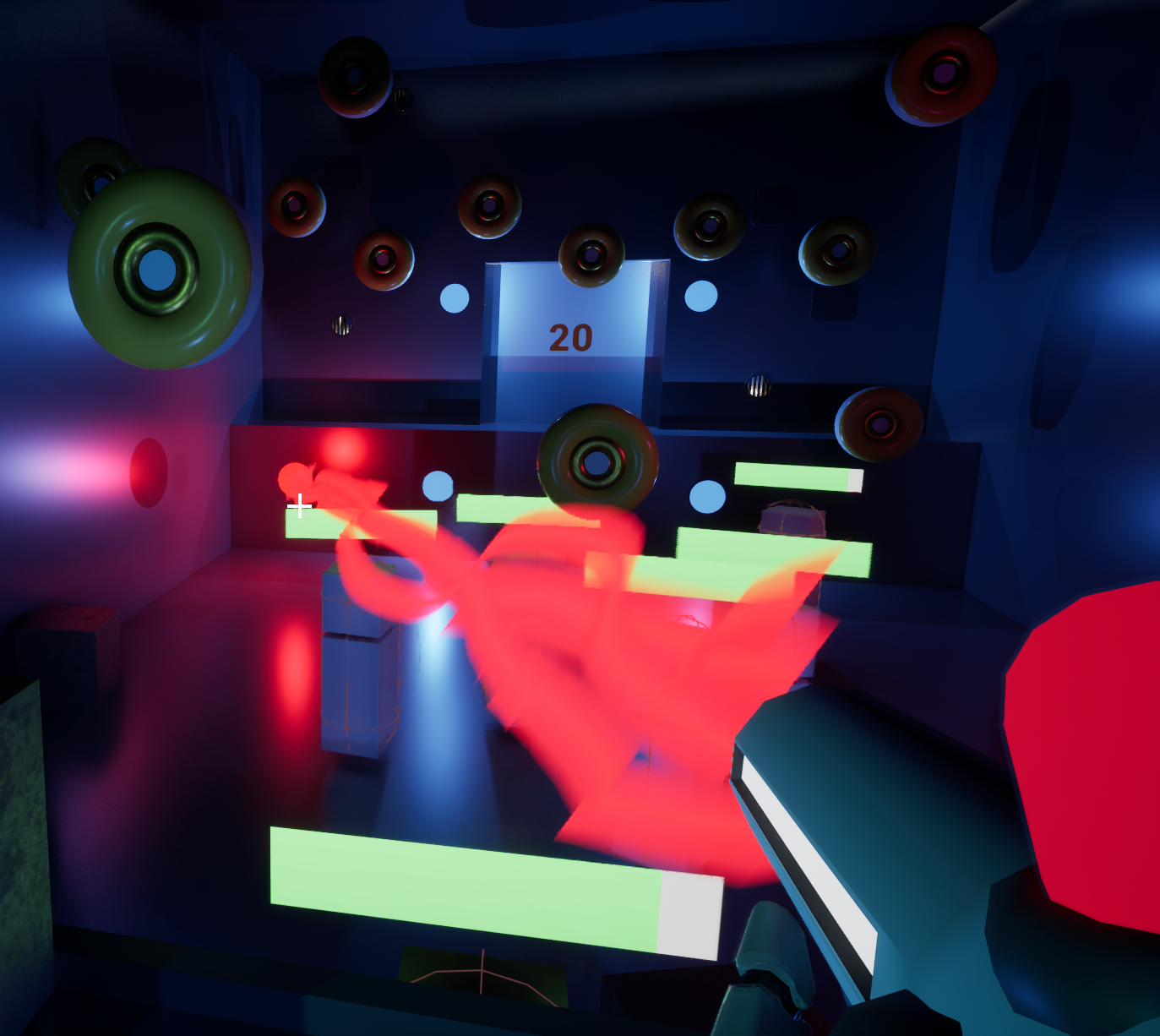
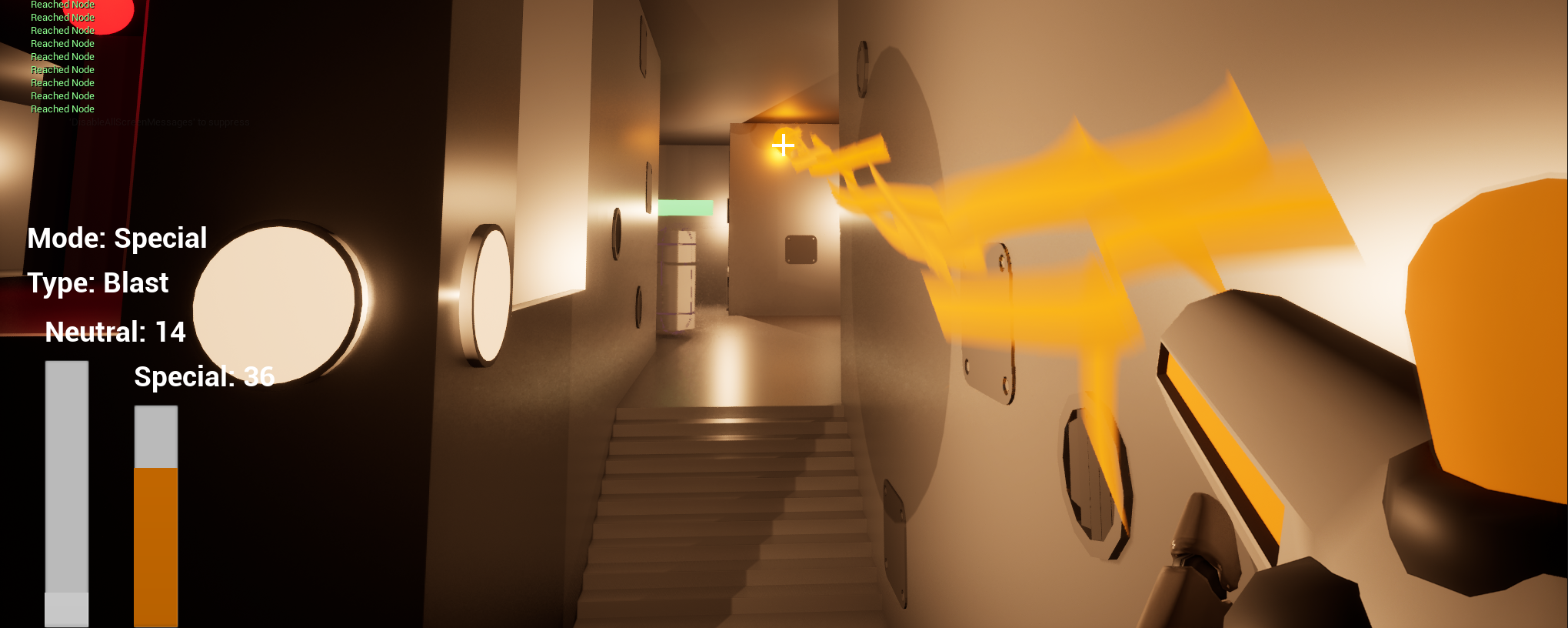
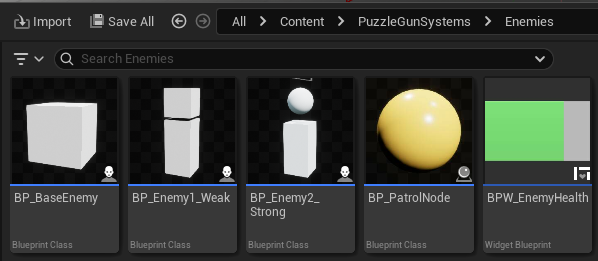
Puzzle Gun is a first-person puzzle shooter game, in which you use your energy gun to solve puzzles while defending yourself from enemies.
Gameplay Video
Project Links
This project is not currently available to play.
How To Play
Puzzle Gun is a first-person puzzle game involving a gun.
Character controls are the standard [WASD] and [SPACE] controls, with mouse movement to look around.
Your gun has three controls.
* [LeftClick]: Shoot Weapon
* [MiddleMouseButton/Q]: Change selected ammo. (this functionality differs based on whether you are aiming at a rift or not.)
* [RightClick/E]: Absorb energy from rift (must be aiming at rift)
Since not all devices have a [MiddleMouseButton], [Q] acts as an alternative key.
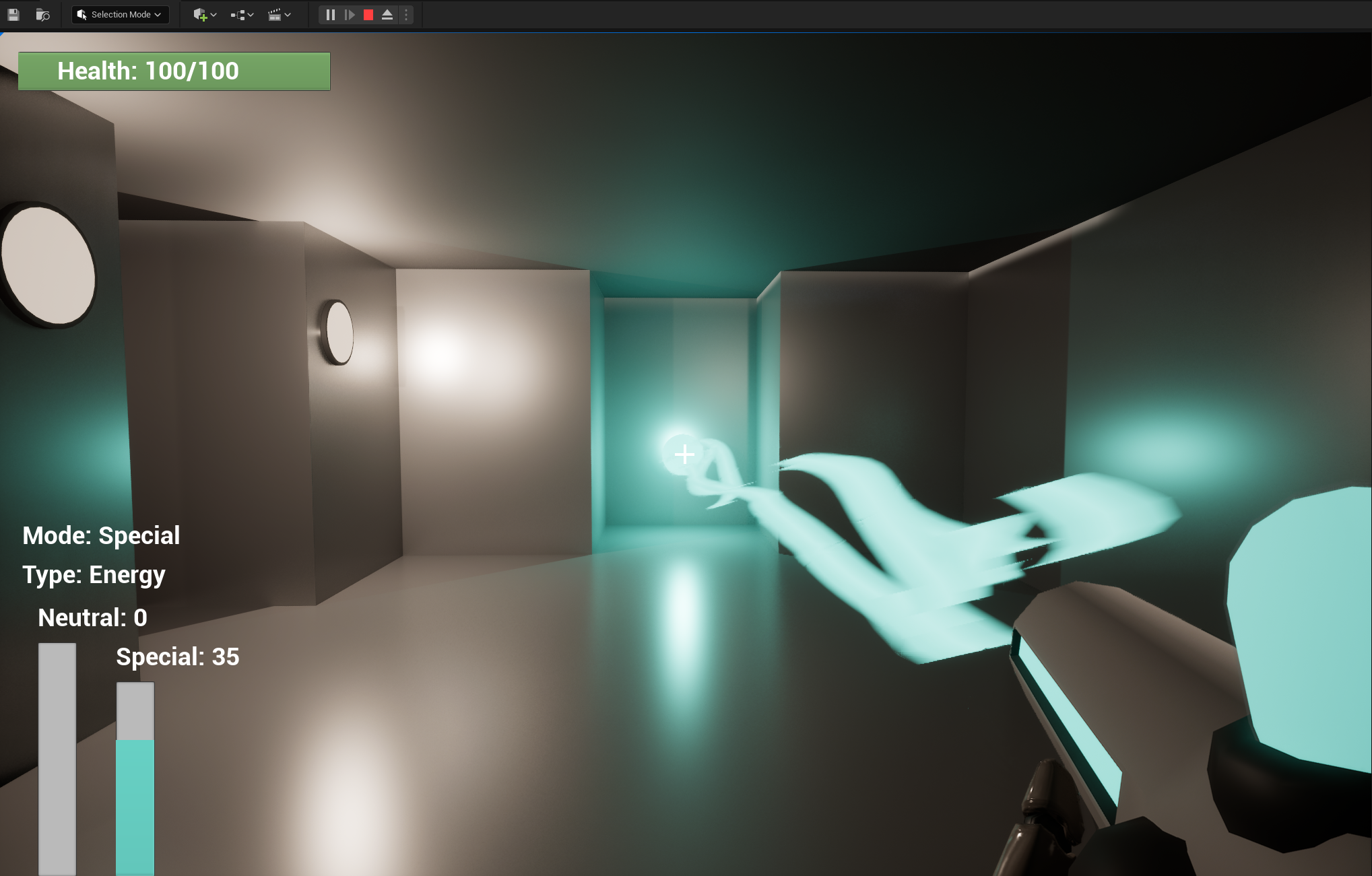
Your gun has two energy bars, [neutral] and [special].
When you aim at a rift and right click, one of these two bars will fill.
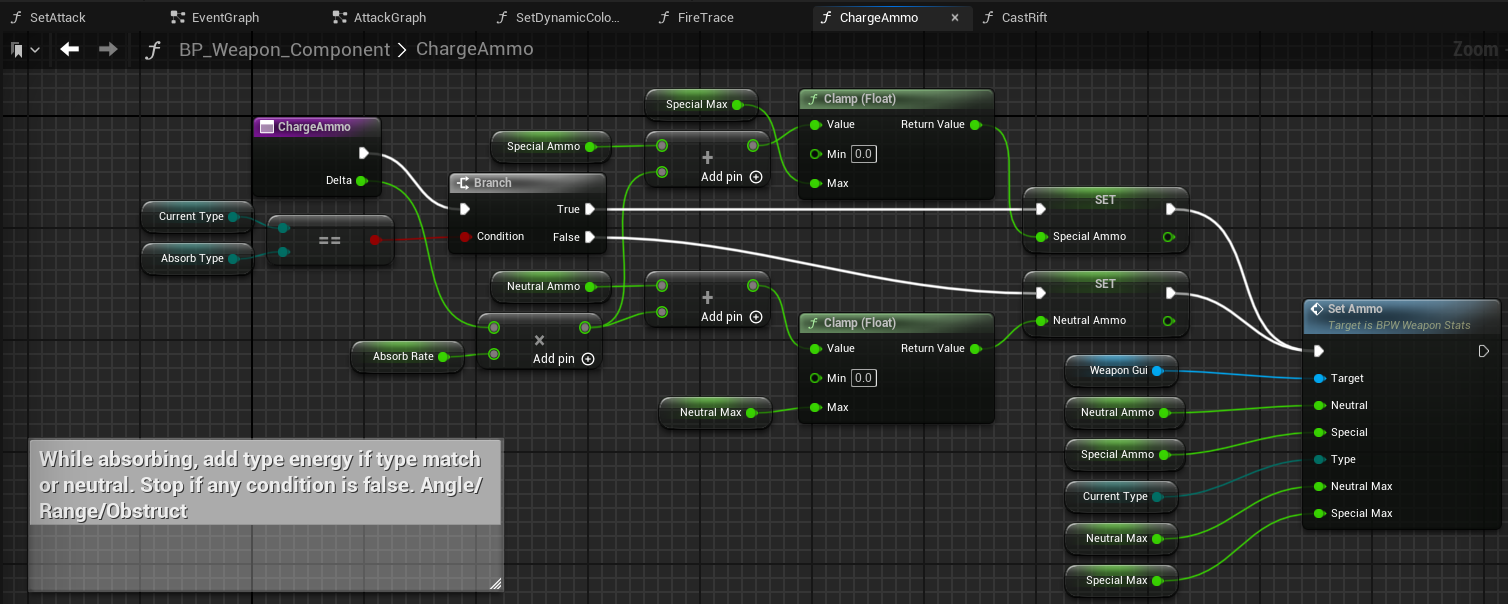
If the rift is of the same energy type as your current special (and your special bar is not full), then your special bar will be charged.
If your special bar is full, or the rift is of a different energy type, your neutral bar will fill instead.
You can switch between your [neutral] and [special] energy type with middle mouse button (when not aiming at a rift.)
You can change which energy type is your [special] by using the middle mouse button while aiming at a rift (doing this will dump any accumulated [special] energy into [neutral].)
This demo game has five energy types, each with their own utilities.
Grey Energy (Neutral)
Grey energy is the default energy that takes up your neutral slot. Any spare energy from swapping special type will be converted to neutral.
This energy manifests itself as small fast moving energy balls. They do low damage, but you can hold lots of this energy at once.
They also give off a decent amount of light, making them useful for temporarily lighting dark areas.
Cyan Energy (Energy)
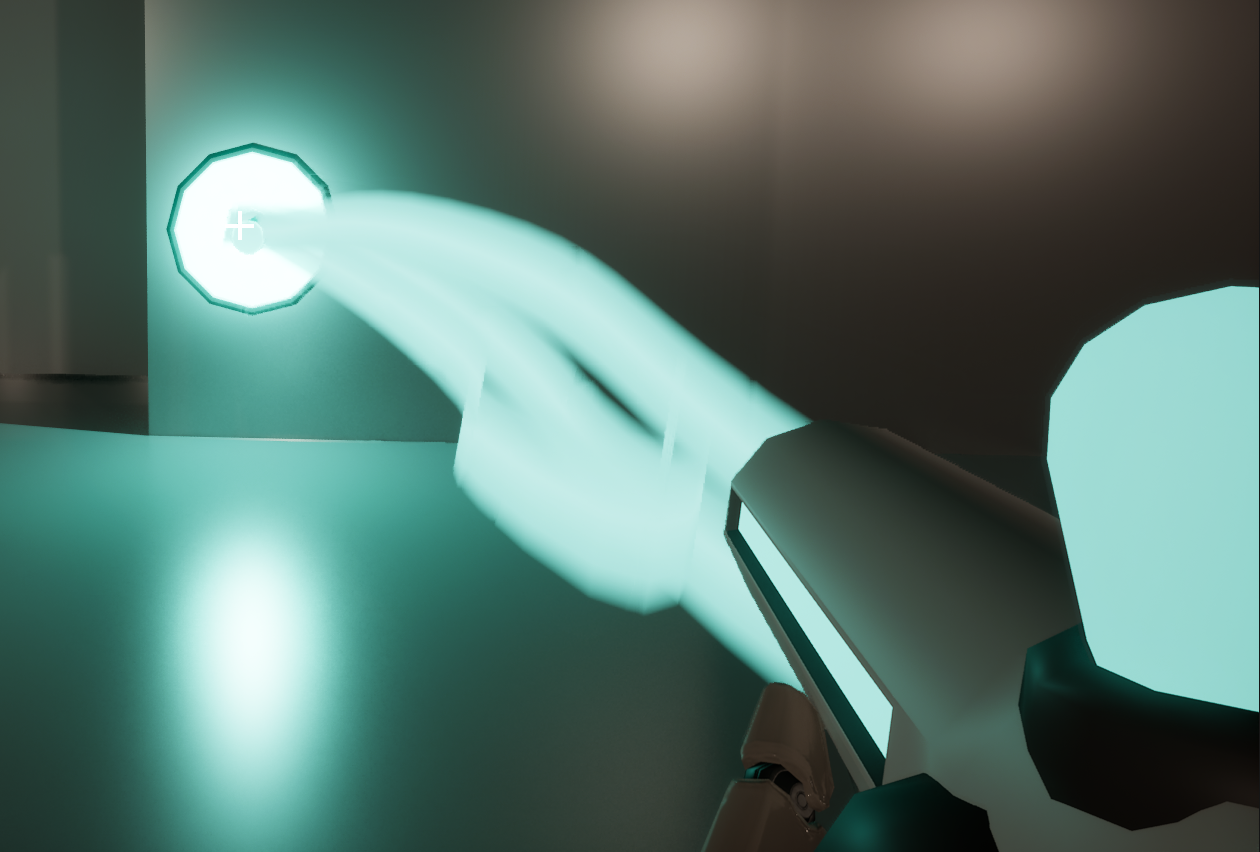
Cyan energy is the first special energy type you are introduced to. It's primary function is powering charge points.
Charge points are devices found on walls. To activate one, you must charge it fully with cyan energy. Once charged, it will trigger something in the level (such as opening a door).
This energy manifests itself as a particle beam. It does low damage, and has the disadvatange of boosting the speed of enemies. Use it to attack only as a last resort.
Magenta Energy (Telekinetic)
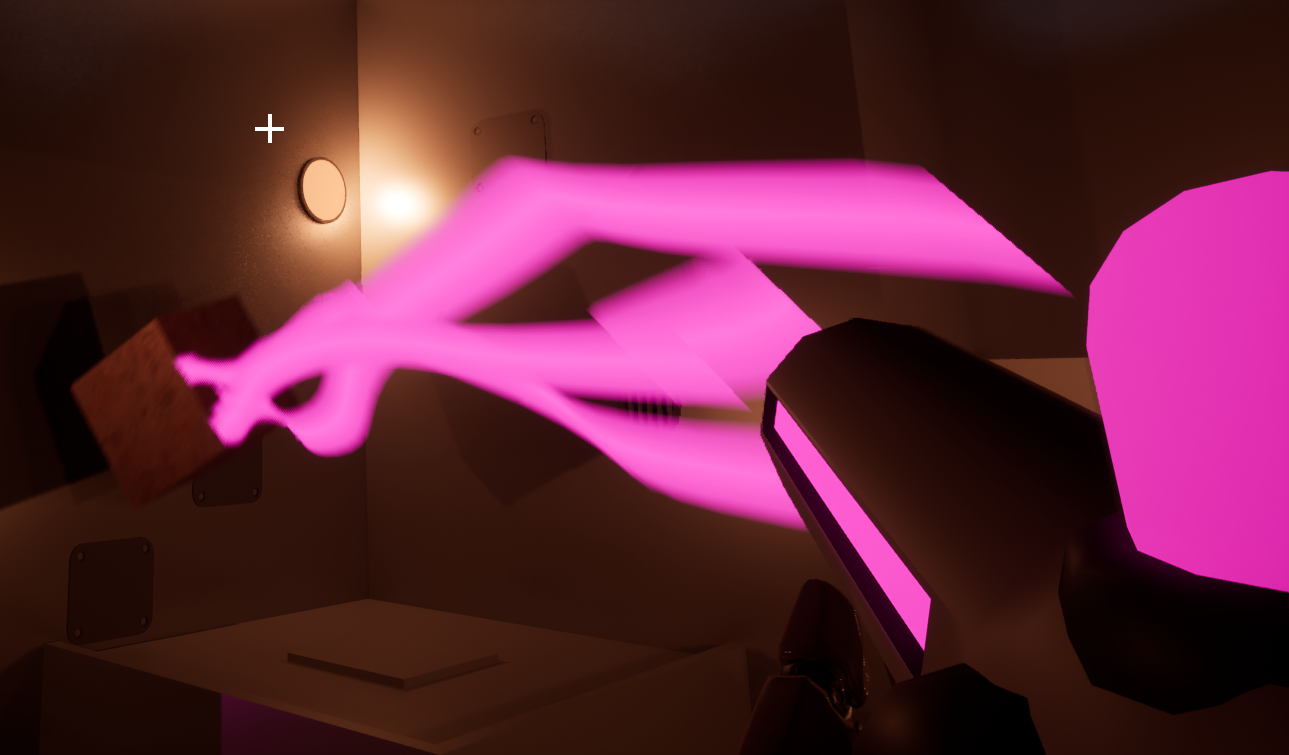
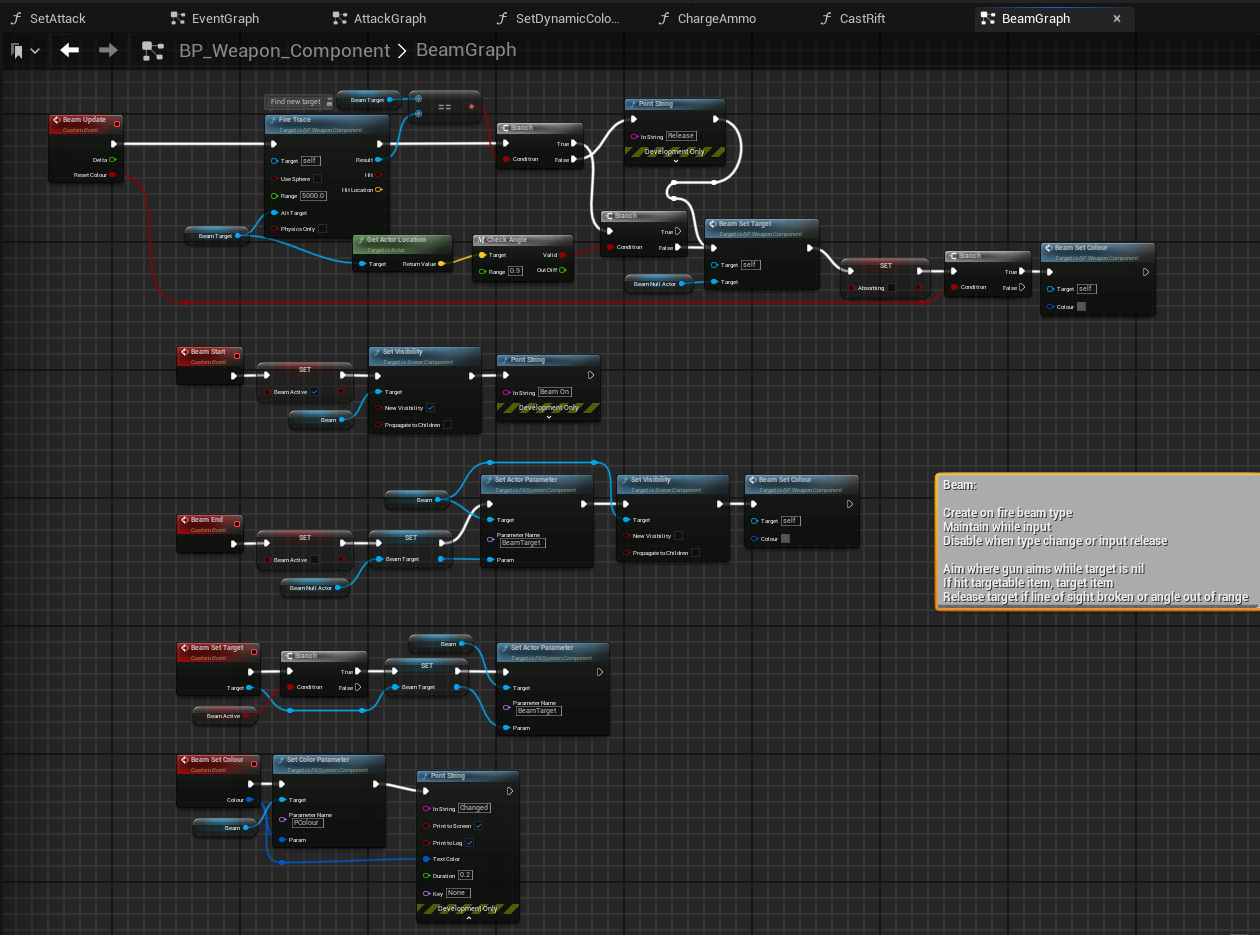
Magenta energy is primarily a utility type that manifests as a pink particle beam. Any physics objects it is aimed at can be picked up and levivated.
You can use this energy type to pick up, move, and stack boxes. This is required for a number of puzzles in the game.
Aside from being required for solving puzzles, you can also use this energy to create obstructions; enemies cannot climb over boxes.
In early testing, I wanted to make this energy a viable attack mode, but it's clunky controls make it difficult to fling boxes at enemies with any degree of accuracy.
This energy is resource-intensive to use, and will run out quickly.
Red Energy (Laser)
Red energy is primarily a damage dealer. It manifests as a red particle beam that does high damage. Not much else to say about it.
Amber Energy (Blast)
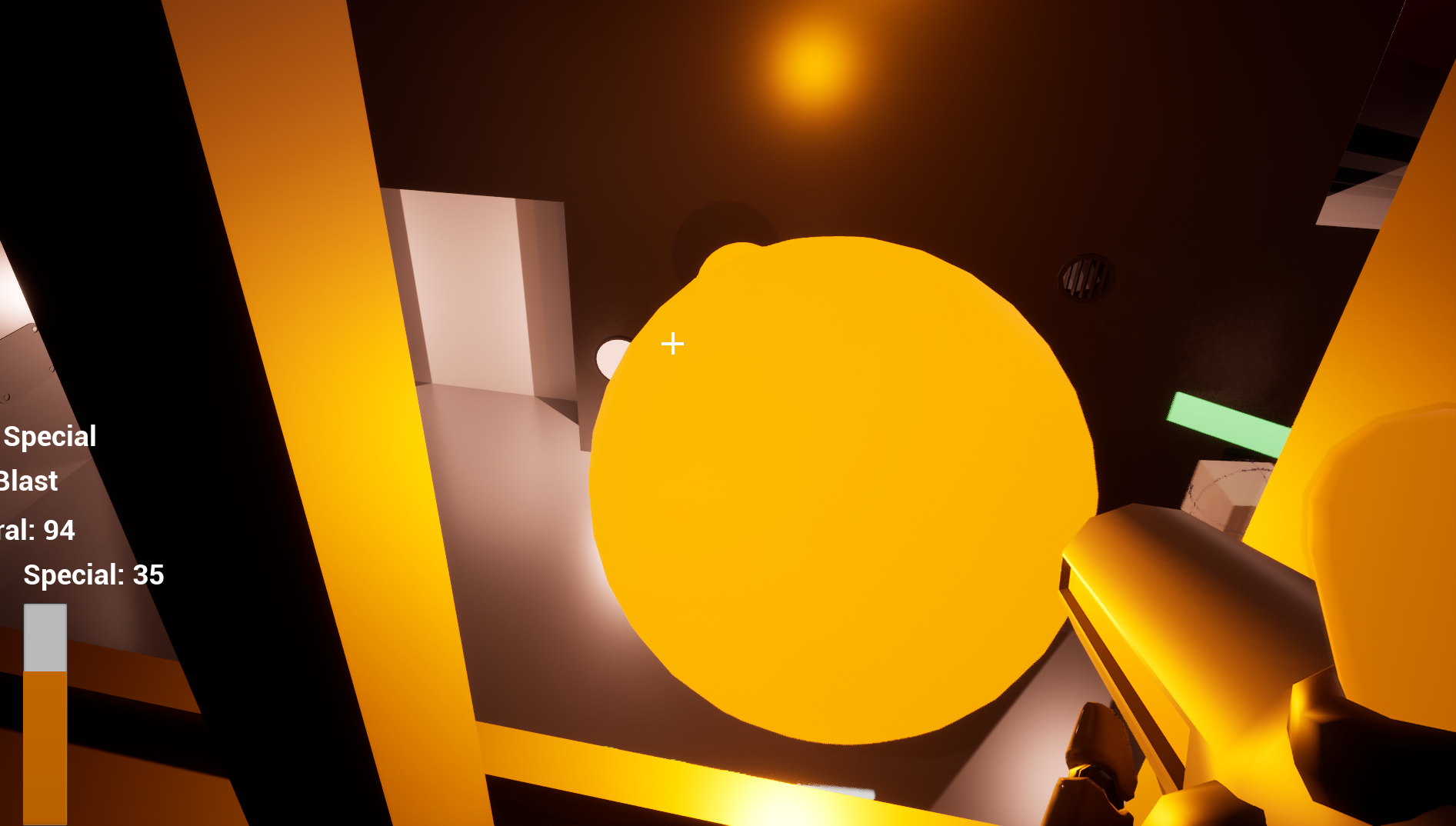
Amber energy is primarily a damage dealer. It manifests as a large, slow-moving orange sphere.
You can charge your blast by holding [LeftClick], and the energy ball is only launched on release.
The longer you charge with this energy, the more damage the resulting blast will deal. It can also deal area damage to multiple enemies at once.
How It Works
This project has a lot of content, so I won't go over all of it.
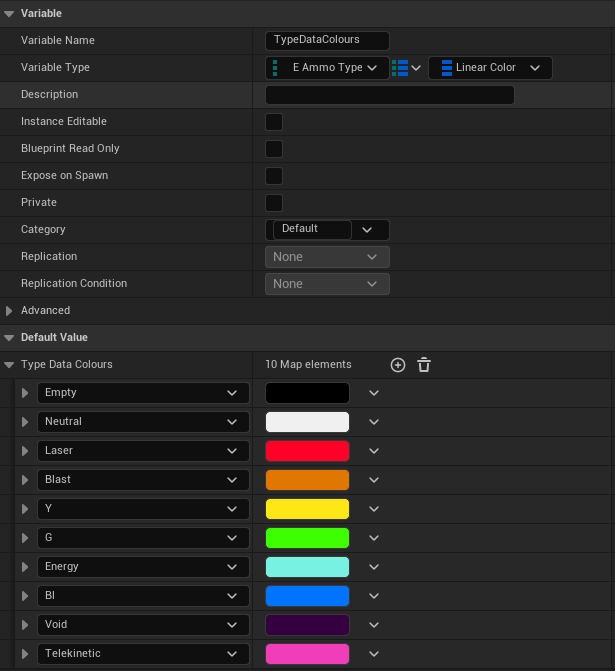
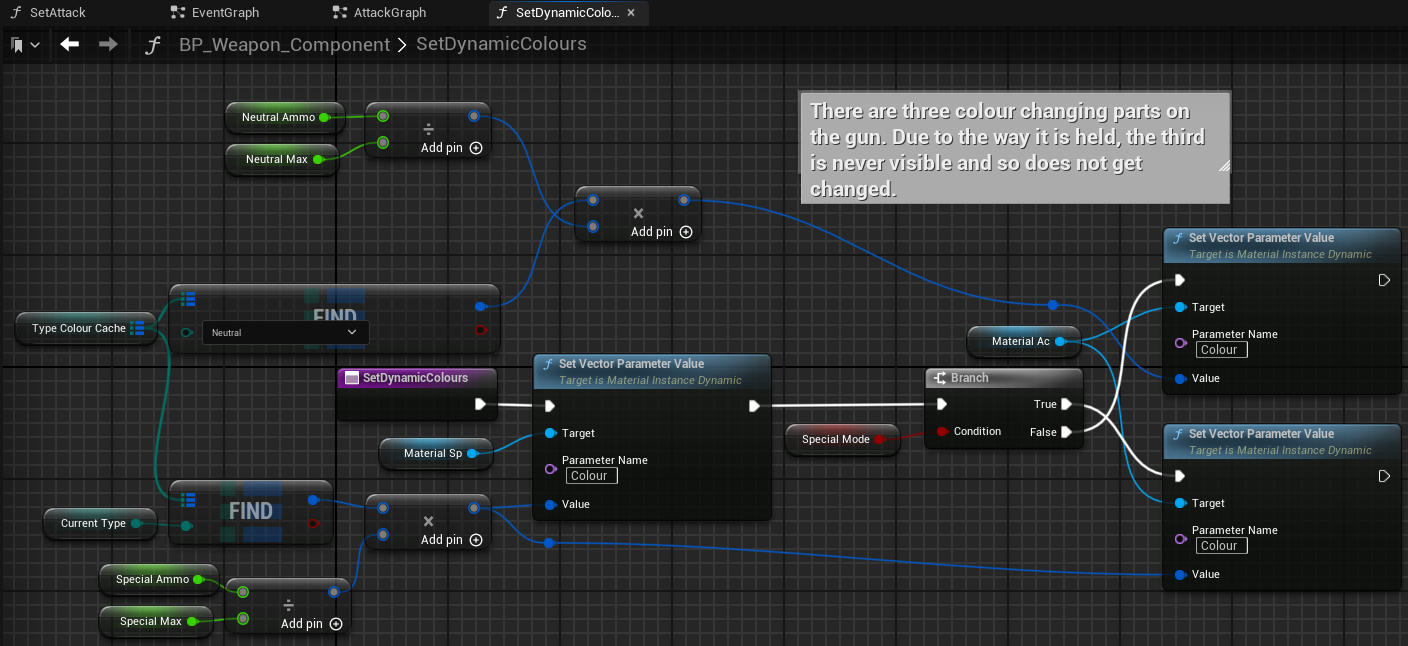
The game is based around energy types. Each energy has its own colour, and multiple actors may need access to those colours. As such, I created a map inside the GameMode blueprint that correlates E_AmmoTypes to colour values that can be accessed from any blueprint.
The game uses the FirstPerson template that comes with Unreal, but with functionality extended.
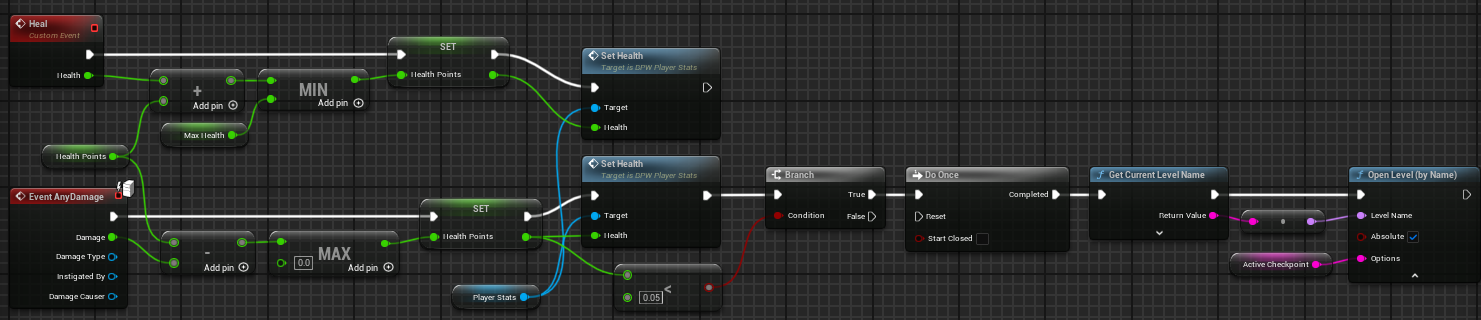
Player damage is pretty simple, but getting the player to respawn and reload the level without losing their place required me to pass the id of the active checkpoint into the OpenLevel node.
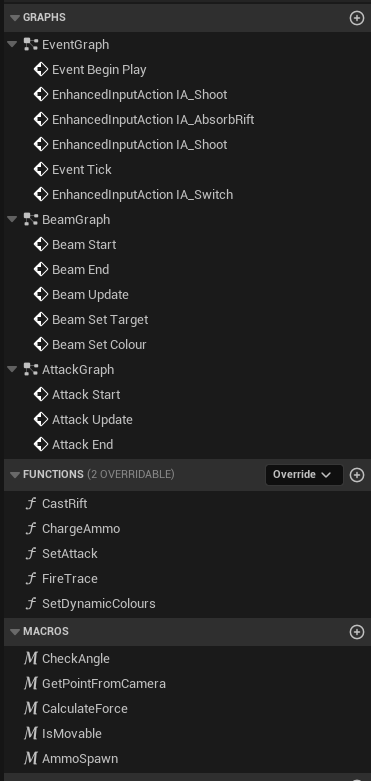
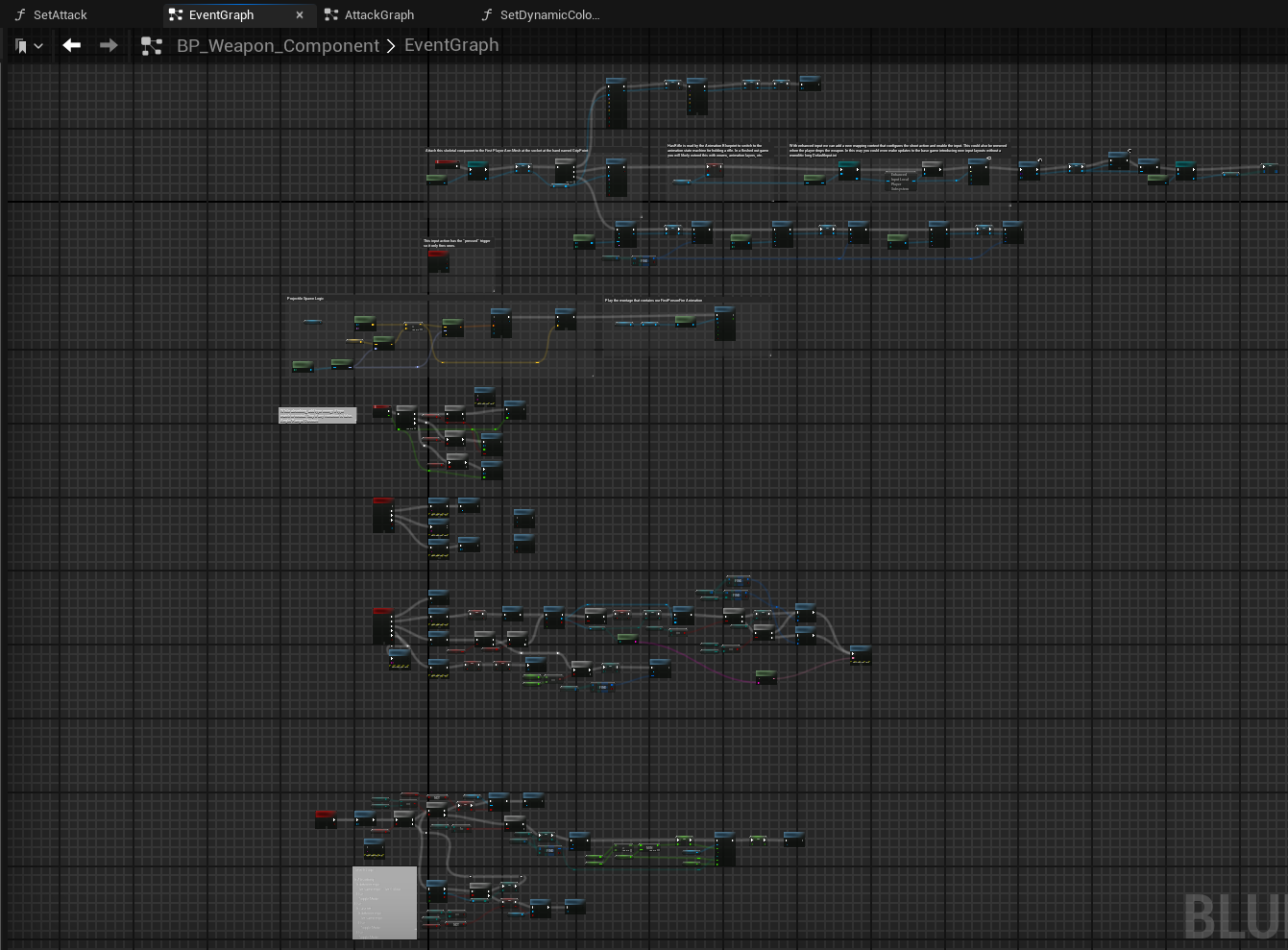
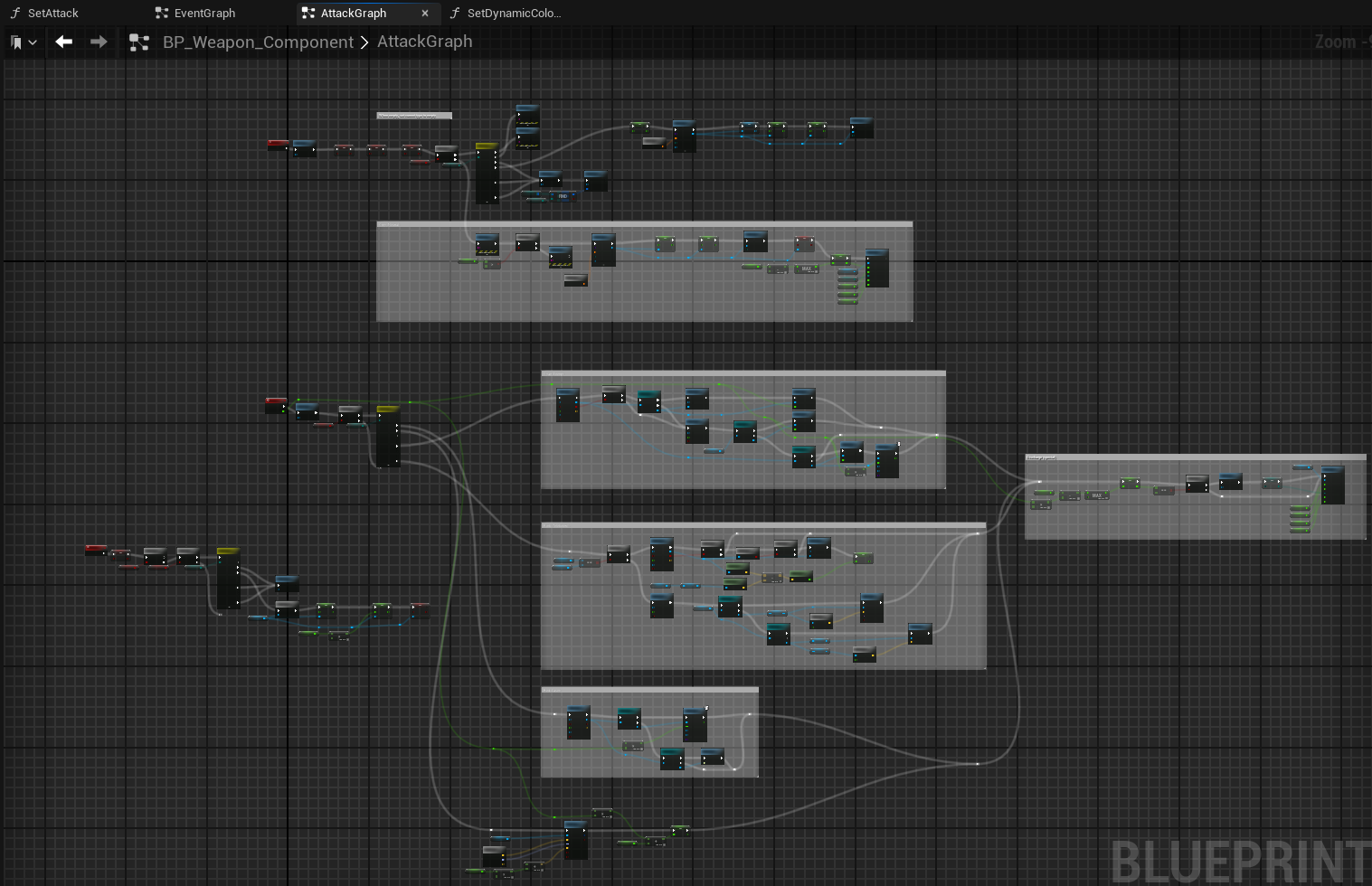
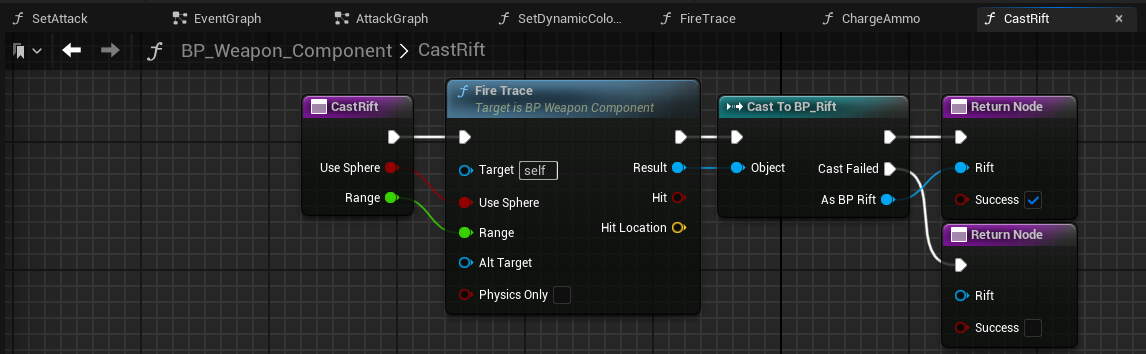
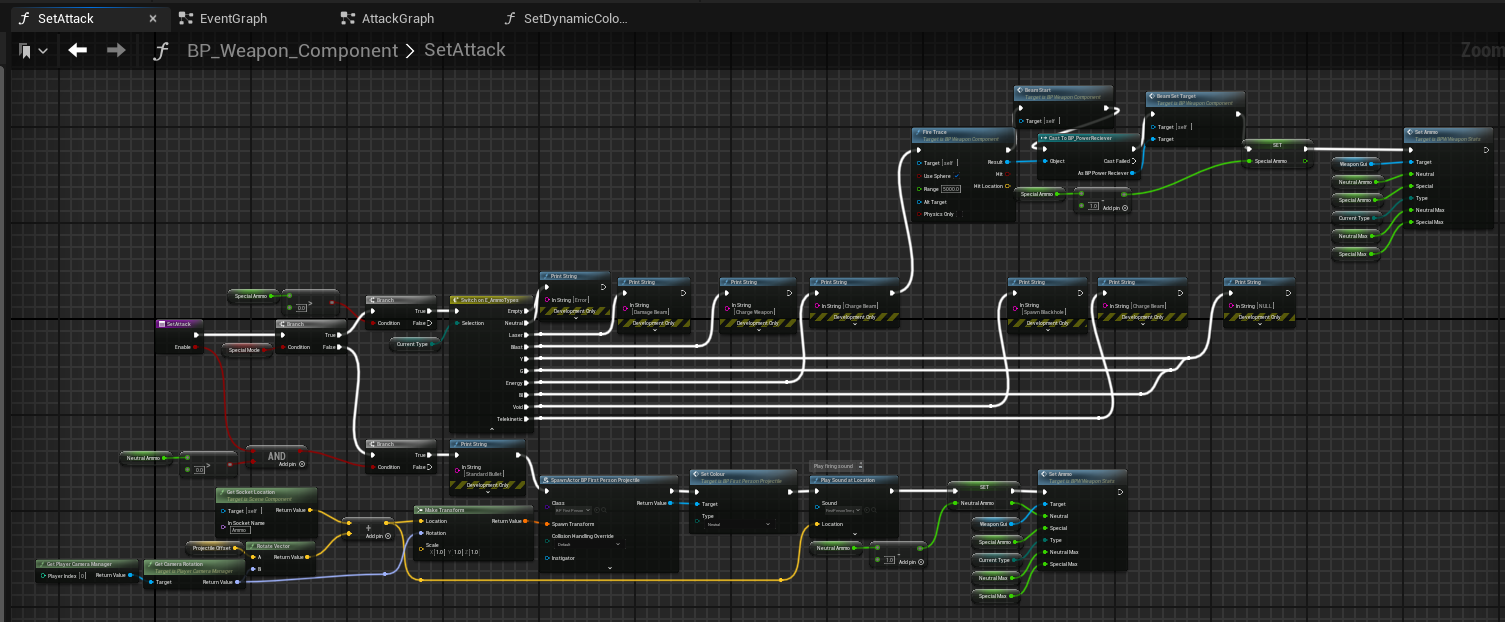
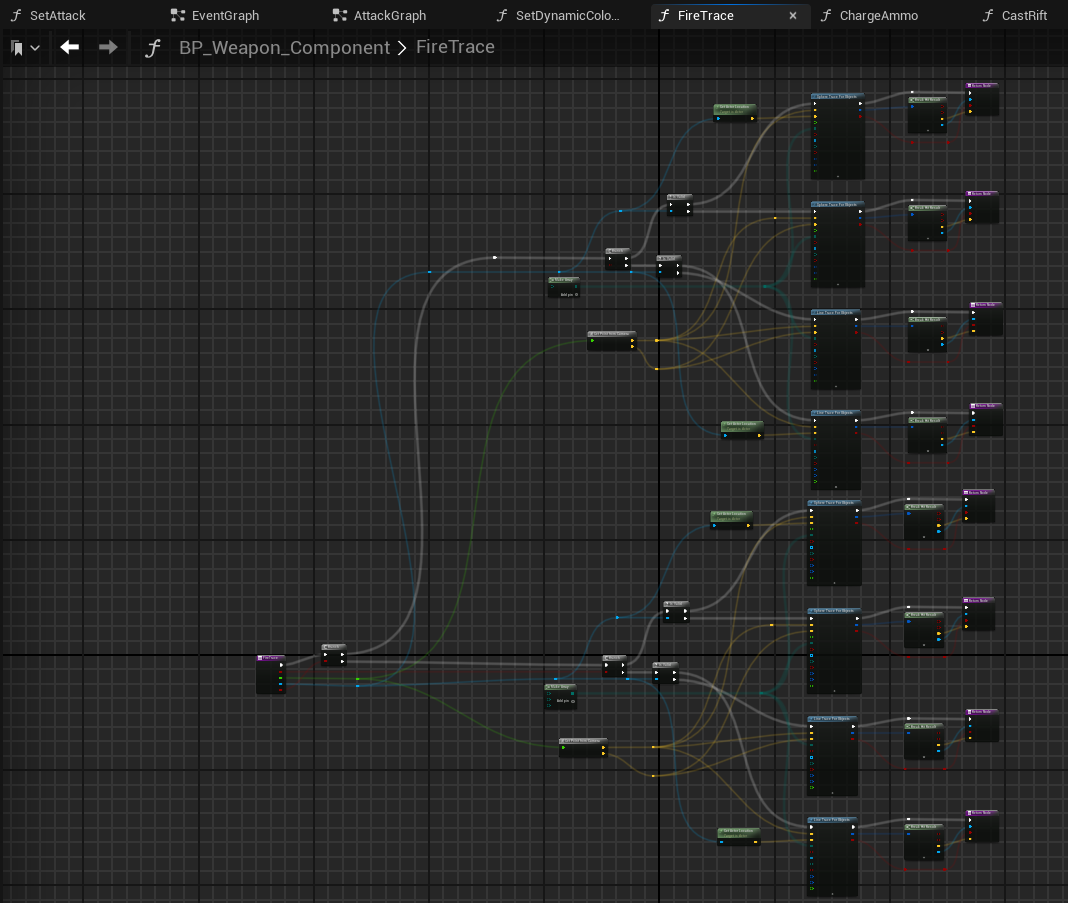
The WeaponComponent is the largest and most heavily modified component in the game.
It has 3 event graphs, 5 functions, 5 macros, and 20 variables