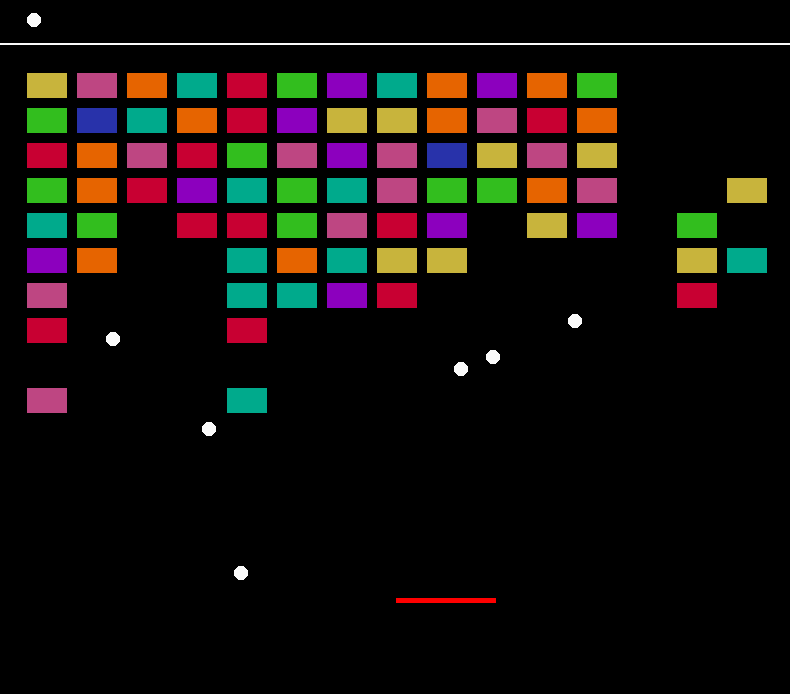
Block Break is a simple game I created in my free time during my first year of university. It is inspired by the iOS game "Many Bricks Breaker" which I remember from my childhood, which itself is likely inspired by an older game known as "Atari Breakout." I was still relatively new to C++ when I made this (though I carried a decent amount of experience over from covering Java at college.) I made the game after being introduced to the SFML graphics library for the first time, as a challenge for myself.
The game is played using only a mouse.
Left click to start the game, or resume after losing a life.
Move your mouse left/right to control the paddle.
The goal is to destroy all the coloured boxes.
If you can destroy all the coloured blocks by hitting them with the white ball, you win the game.
If all onscreen balls fall out of bounds, you will lose a life.
You start with 5 lives.
The game also includes a powerup feature. If you can get the ball to hit a block on its top surface, it has a chance of spawning a new ball.
How It Works
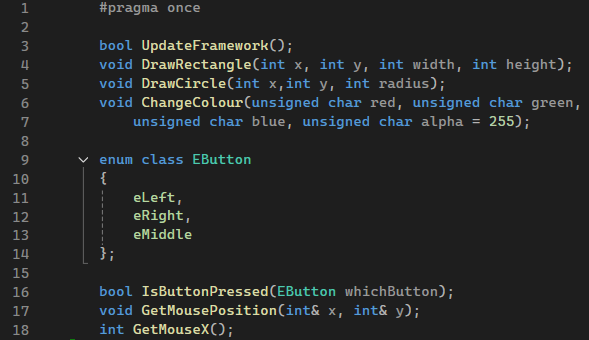
I started the project with a template we were provided by the university for a separate task. It included SFML and a class called framework that managed mouse inputs and provided some draw functions.
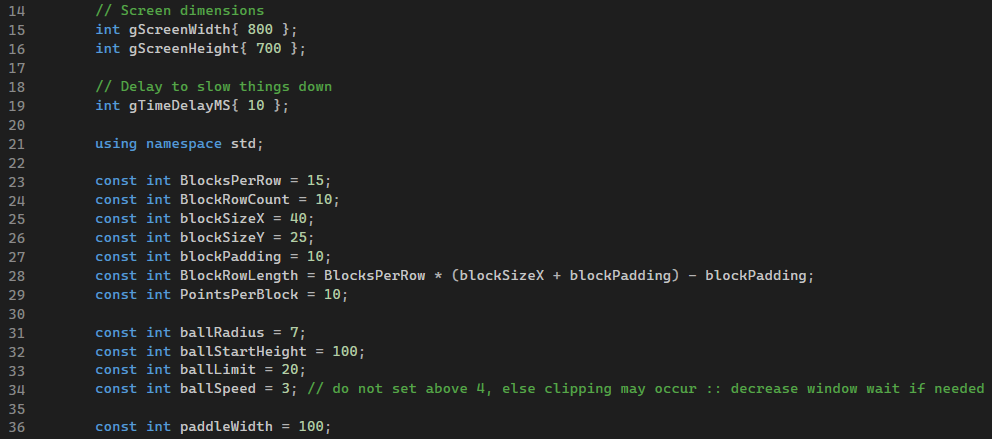
Before the main() function is run, some functions and variables are defined.
The PointsPerBlock value was never used.
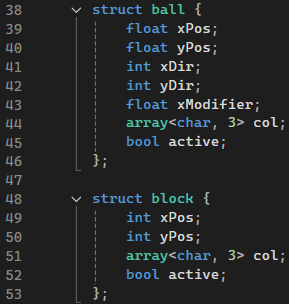
Both the balls and blocks are objects that can have multiple instances created.
The xDir/yDir values represent the ball's movement direction and are always either -1 or 1. I opted for this over a boolean since it can be added it to directly to the xPos/yPos values without additional logic.
The xModifier value represents the ball's horizontal speed. It is intended to always be positive.
I probably could have used smaller data-types for these values, but it wouldn't have much of an effect with the overall low complexity of this game.
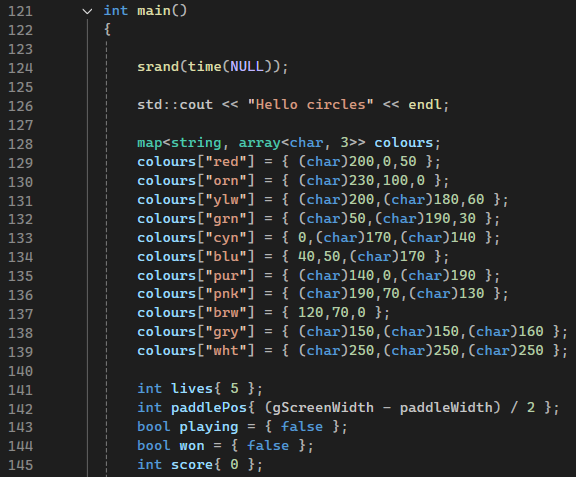
In the main function, the first thing to occur is the srand() call. Since block colours are randomly selected, the random seed needs to be set.
I opted to define all possible colours using a map, to give the game a fixed colour palette.
If I were to remake this project, I would likely use enums for the map key instead of strings, and store the colour values in a struct rather than a 3-length char array.
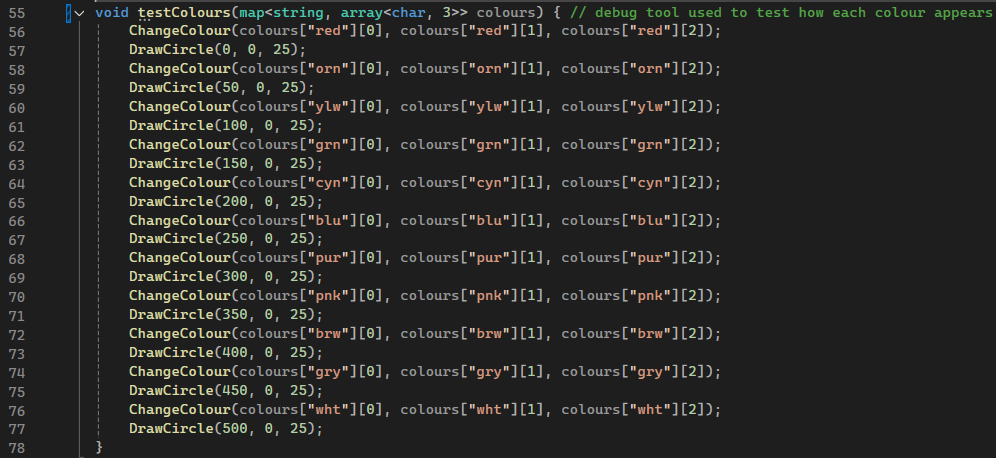
Below is a code sample used to draw debug shapes for testing the colour palette. This code is no longer in use.
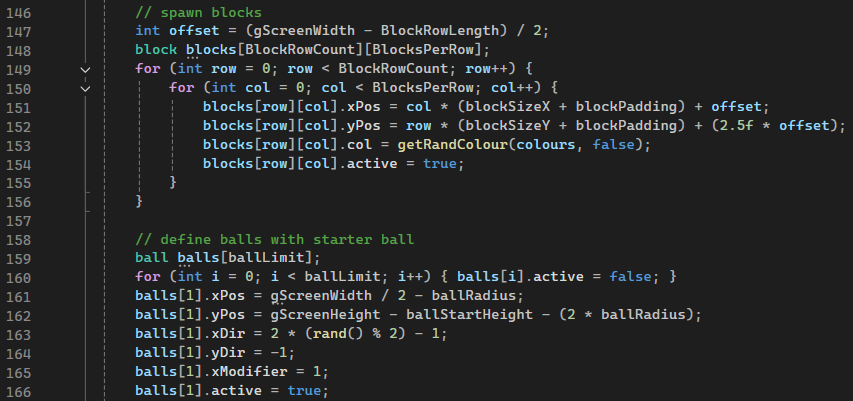
Just before the gameplay loop is started, two arrays are created to hold the blocks and the balls. Both arrays are fixed size, so the amount of memory used by them does not change over the lifetime of the program. This requires that the values used to determine the array size be defined at compile time.
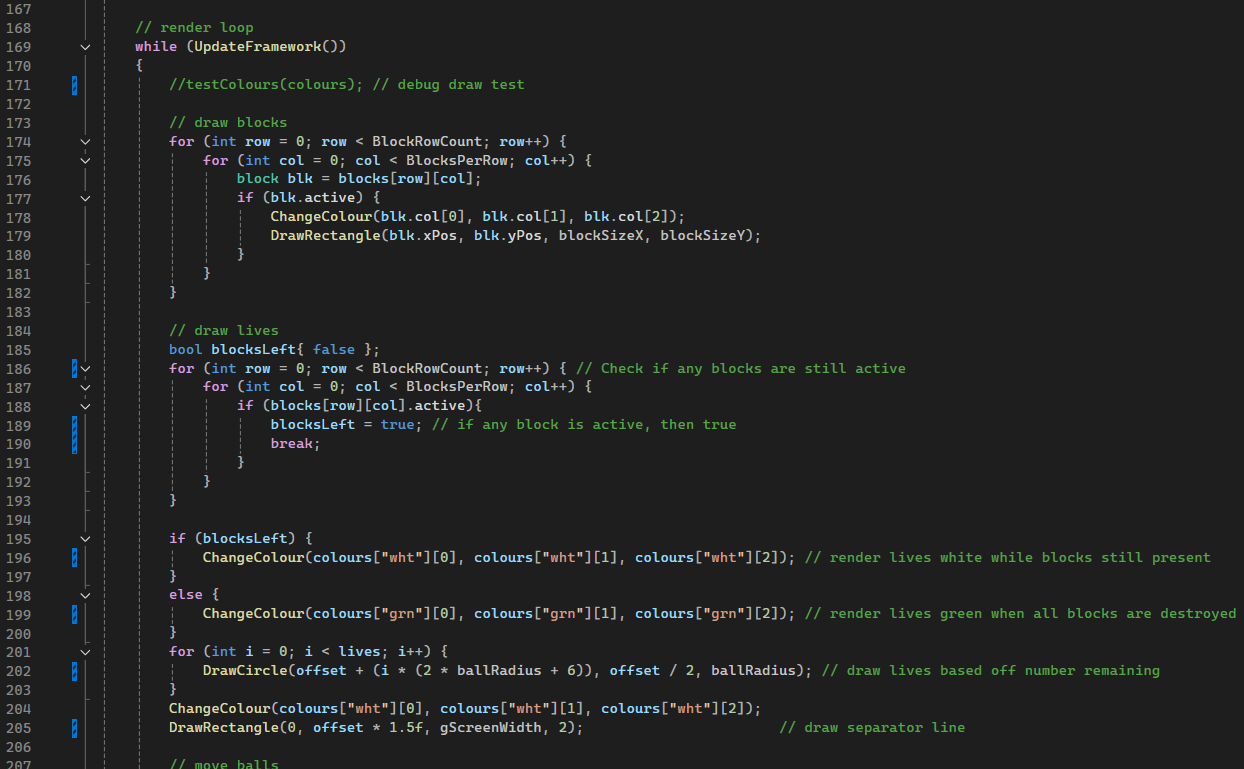
The loop will call UpdateFramework() every cycle.
This function was provided in the template given my University.
It is responsible for calling display() and clear() on the SFML window, responding to WindowClose events, and delaying each cycle to maintain a consistent run speed.
Once the cycle has begun, the blocks are drawn from the 2D Block array. Only blocks that have their active property true will be rendered.
For rendering the lives, the program can render them white or green, depending on the game state.
If all blocks are destroyed, the lives will render green to signify a win. Else, they'll render white for normal gameplay.
I understand that this is not the best gameplay-wise, as the game doesn't end immediately and still requires you to use all lives to terminate.
Maybe I'll update the project in the future, and add a proper end screen.
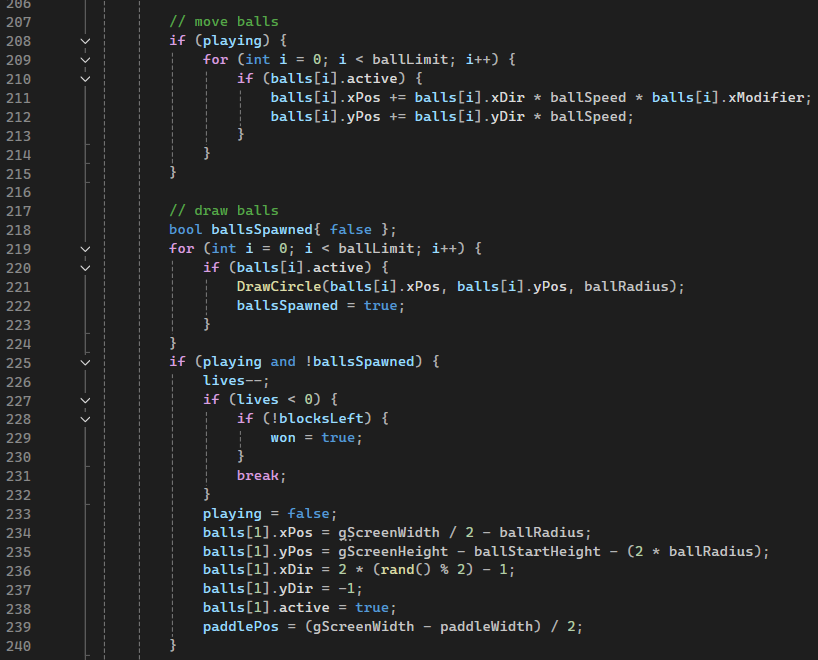
This code is responsible for moving/simulating the balls in the game.
Looking back at this code, the order at which I render and simulate things is not optimal.
Draw Blocks + Lives
Move Balls -> Draw Balls
Check Collisions
Loop restarts with delay
It probably would have better if I drew the blocks after simulating the ball physics and collisions rather than before.
This could explain some of the clipping issues I recall this game having.
This code also is responsible for subtracting lives when all balls are missing, and calling break on the main loop once all lives are gone.
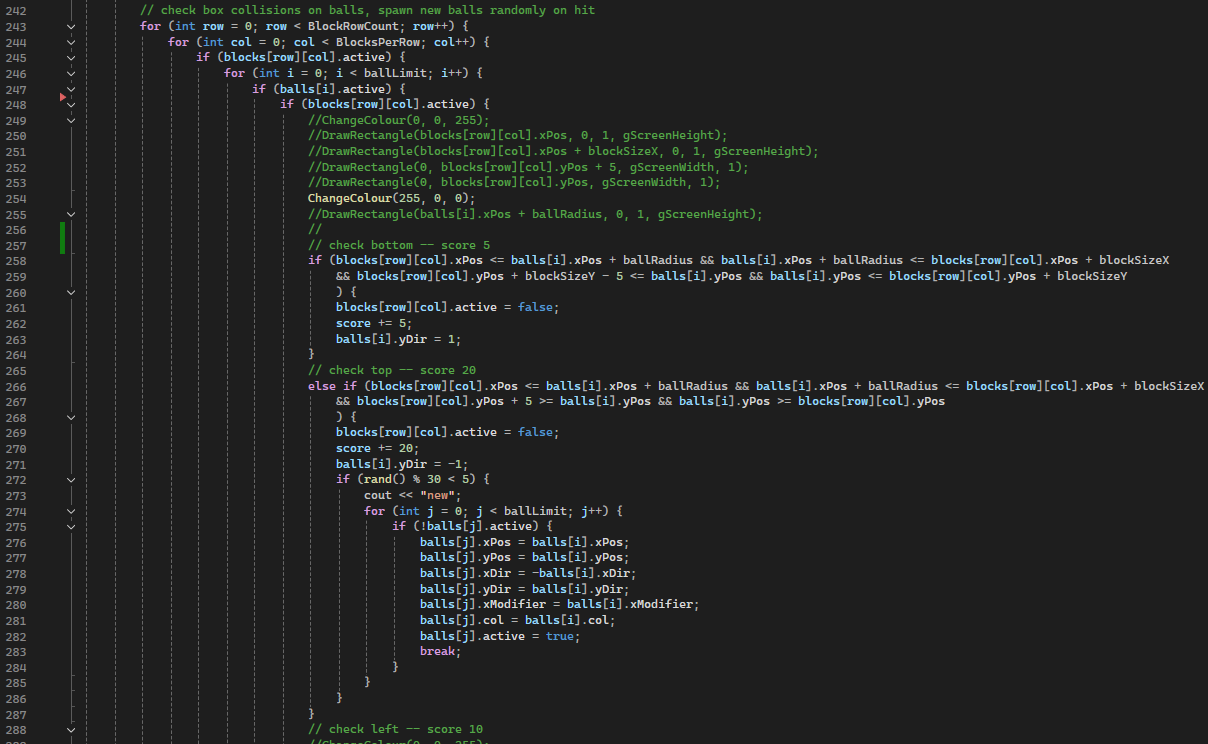
The following code sample shows how block collisions are handled for the top and bottom surfaces.
Each surface type gives a different score:
* Top: 20 points + chance of duplicating ball
* Bottom: 5 points
* Left/Right: 10 points
For ball duplication, the code simply looks for the first inactive ball in the array and activates it.
If the ball limit is reached, the code will exit that loop without doing anything.
The code for handling left/right collisions is similar to the code for bottom collisions.
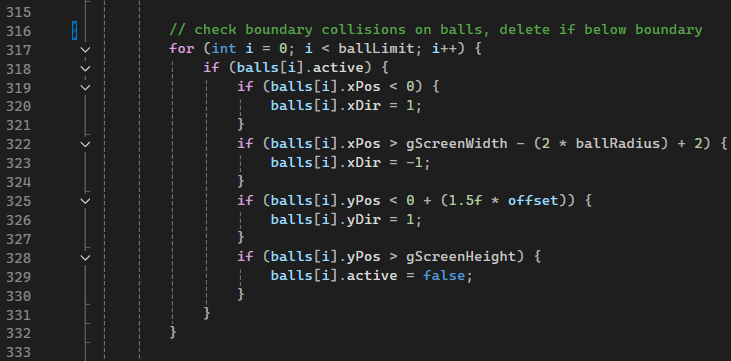
Other blocks aren't the only thing balls need to bounce off.
This code handles bouncing balls off walls and the separation bar below the lives display.
Balls that go below the bottom of the screen are deactivated.
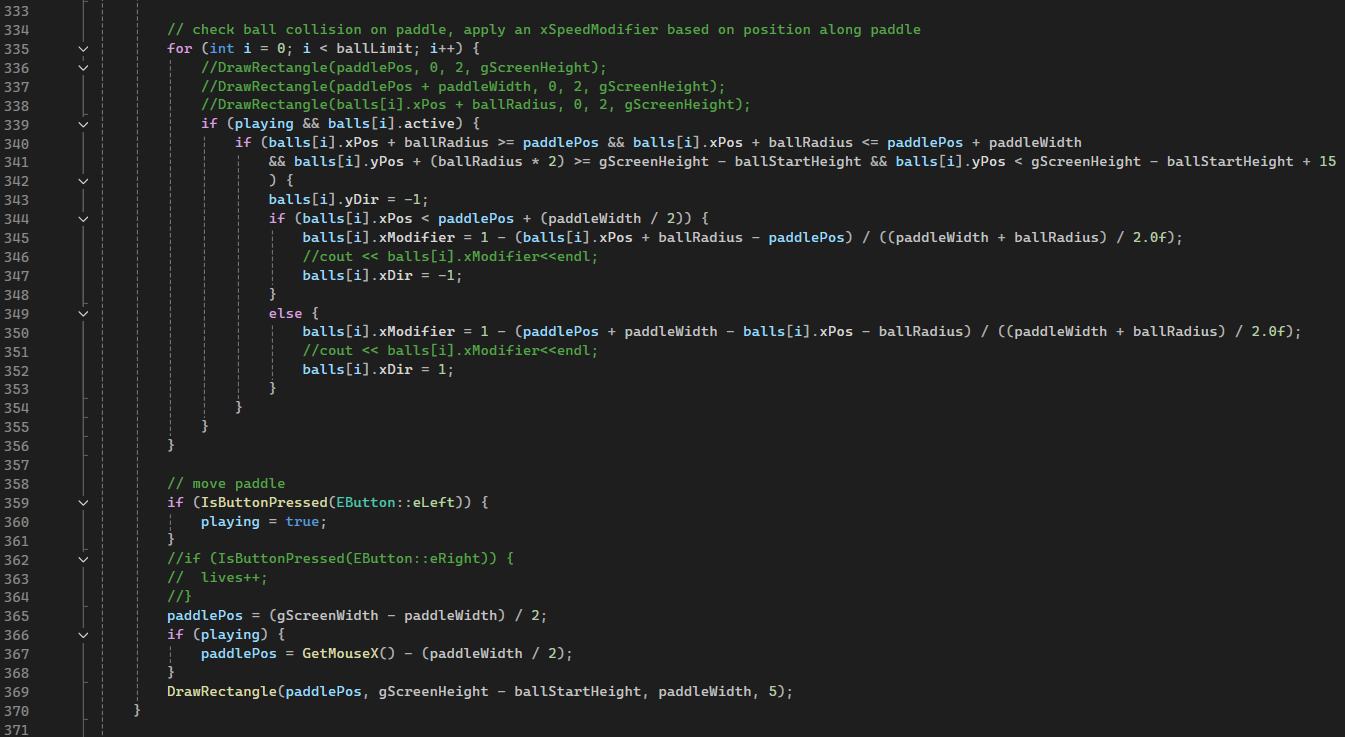
Finally, collisions are calculated for the paddle.
The ball's xModifier is set based on where the ball touches the paddle, allowing for it to be deflected at different angles.
Once again, the order of operations here is sub-optimal: the rendering + positioning of the paddle should have been updated before the collisions are applied.
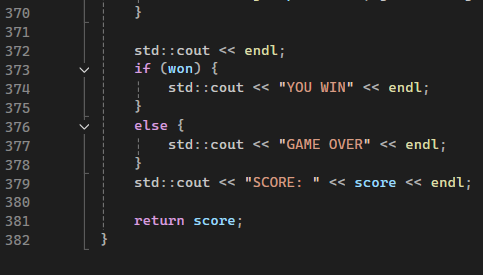
Once all lives have ran out and the gameplay loop has terminated, the game outputs the result to the console window.